
What Is Business Systemization? A Beginner’s Guide for ESL Entrepreneurs
Introduction
When a business starts to grow, something strange often happens. More customers come in. More tasks appear. The founder works longer hours. But instead of feeling more successful, everything feels messy and stressful.
Customer messages are answered differently each time. New team members ask the same questions again and again. Important steps are forgotten. Results become unpredictable. Most of the knowledge lives inside one person’s head.
This is how chaos begins.
The solution is not working harder. The solution is structure. This is where business systemization becomes powerful.
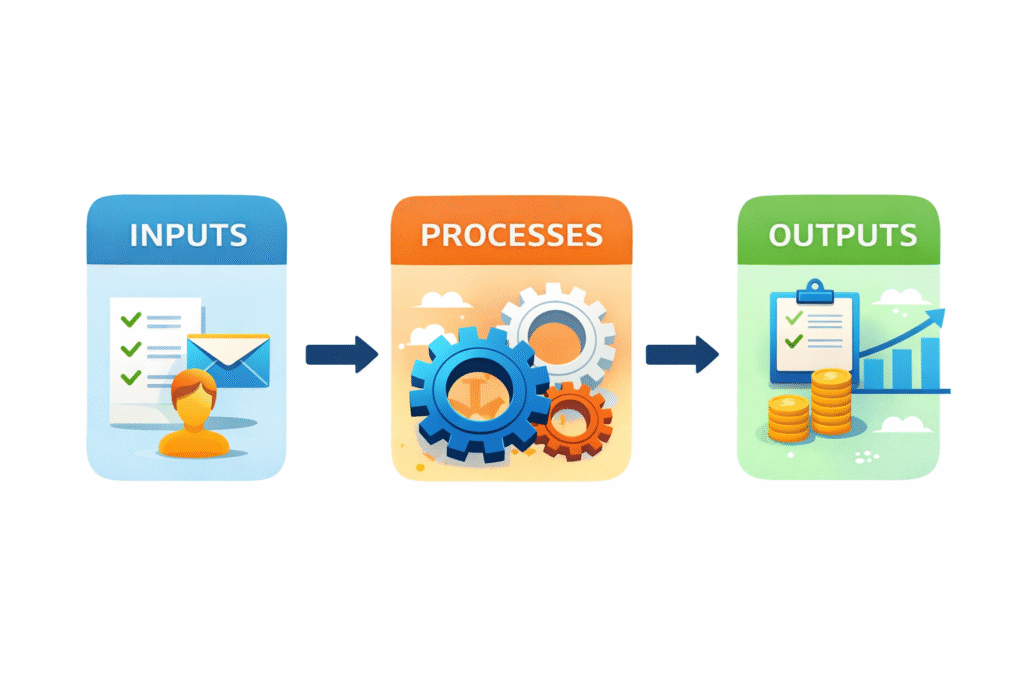
Business systemization means creating clear, repeatable ways of doing work inside your company. Instead of depending on memory or improvisation, you build simple systems that guide how tasks are completed. These systems bring order, clarity, and consistency. They make your business more stable and easier to grow.
In this guide, you will learn what business systemization really means, why it matters, and how you can start building small business systems step by step, even if English is not your first language.
What Is Business Systemization?
Business systemization is the process of turning your daily work into structured, repeatable systems. It means documenting how things are done so that anyone on your team can follow the same steps and achieve similar results.
In practice, business systemization answers one simple question:
“How do we do this task every time?”
Many entrepreneurs confuse systems with simple checklists. A checklist is helpful, but it is only one small part of a system. A real system includes:
-
Clear responsibilities (who does the task)
-
Step-by-step actions (how it is done)
-
Tools used (where it is done)
-
Expected results (what success looks like)
A checklist might say, “Send welcome email.”
A system explains when to send it, who sends it, what template to use, and how to record it.
Systemized companies stay consistent because they do not rely on memory. For example, imagine onboarding a new team member. In a non-systemized business, the founder explains everything verbally. Each new employee receives different instructions. Some steps are forgotten.
In a systemized company, there is a clear onboarding process. The new employee receives a document explaining tools, responsibilities, communication rules, and first-week tasks. The experience becomes predictable and professional.
That is the difference between random work and structured business systems.
Why Systemization Matters
Business systemization is not only about organization. It directly affects performance and growth.
First, it creates consistency. When the same steps are followed every time, customers receive the same quality of service. Imagine a small online store. Without a system, orders may be packed differently each time. Sometimes items are checked carefully. Sometimes they are rushed. With a system, the packing process is standardized. Errors decrease. Customers trust the brand more.
Second, systemization reduces dependency on individuals. Many small businesses depend too much on the founder. If the founder gets sick or takes a vacation, work stops. But when tasks are documented inside small business systems, other team members can follow the instructions. The business becomes stronger than any one person.
Third, systemization improves team performance. People feel more confident when they know exactly what to do. Instead of guessing, they follow clear processes. This reduces stress and increases productivity.
Finally, business systemization helps scale operations. Growth without systems creates chaos. Growth with systems creates expansion. When your processes are clear, you can handle more clients, more orders, or more projects without losing control.
Core Parts of Business Systems
A business system is not just a document. It has several essential parts that work together.
People & Responsibilities
Every system needs ownership. Someone must be responsible for each step. When roles are unclear, confusion begins.
For example, in a content creation system, who writes the article? Who edits it? Who publishes it? If these responsibilities are not clearly defined, tasks overlap or are forgotten.
Clear roles create accountability. People know what they are responsible for. This makes business systems reliable and easier to manage.
Documented Processes
Memory is not a system. Written processes are.
Documented processes explain how tasks are done step by step. They do not need to be complicated. They just need to be clear.
For example, instead of saying, “Reply to customer messages,” a documented process might explain:
-
Check messages at 9 AM and 4 PM.
-
Use the approved response templates.
-
Personalize the first sentence.
-
Log the conversation in the CRM system.
Written processes reduce mistakes. They also help new team members learn faster.
Tools & Technology
Systems live somewhere. That “somewhere” is usually a tool.
You might use Google Docs to store procedures. You might use Notion to organize projects. You might use Trello to track tasks.
The tool is not the system. The tool supports the system.
For ESL entrepreneurs, simple tools are often better. You do not need complex software. Start with tools you already understand. The goal is clarity, not complexity.
How to Systemize Your Business
Business systemization does not happen in one day. It grows gradually.
Start by identifying key tasks. These are activities you repeat often. For example, responding to customer messages, creating invoices, or publishing content. Choose one task that happens regularly and causes stress when done inconsistently.
Next, map how the work is done now. Observe your current process. What steps do you take? What tools do you use? Do not improve it yet. Just write down what already happens.
For example, if you are creating a system for customer messages, note when you check messages, how you respond, and where you record the information.
Then, write clear steps. Turn your observations into simple instructions. Use short sentences. Avoid complicated language. Imagine you are explaining the process to someone new.
After writing the steps, test them with a team member. Ask them to follow the instructions without extra explanation. If they get confused, improve the document. A system works only when others can understand it.
Finally, adjust and improve. Business systemization is not a one-time activity. As your company grows, systems must evolve. Review them regularly. Make small improvements.
If you would like structured support in building professional business systems tailored to your company, you can explore my business systems consulting service. Sometimes having an external perspective makes the process clearer and faster.
Example of a Business System
Let’s look at a more general example: a customer order processing system in a small business.
The purpose of this system is simple. Every time a customer places an order, the business must deliver the correct product, on time, without mistakes. If there is no system, problems quickly appear. One employee may pack the order differently. Another may forget to confirm payment. Someone might forget to update inventory.
Over time, these small mistakes create stress and unhappy customers.
In a systemized business, the order process is clearly defined.
First, when a new order comes in, the system automatically sends a confirmation email to the customer.
Second, the responsible team member checks payment and marks the order as “approved.”
Third, the product is prepared and packed following a clear checklist. This ensures the correct item, quantity, and packaging quality.
Fourth, the shipping label is created and tracking information is sent to the customer.
Finally, the order is marked as completed in the system.
Each step has a responsible person. Each action is documented. Everyone follows the same process.
Because the system is clear, customers receive consistent service. Errors decrease. The business becomes more reliable.
This is how small business systems turn daily tasks into smooth, repeatable operations.
Tools That Help with Systemization
You do not need expensive software to practice business systemization. Many simple tools work perfectly well.
Some commonly used tools include:
-
Notion
-
Google Docs
-
Trello
-
ClickUp
Notion is useful for organizing documents and processes in one place. You can create pages for each department and link related systems together.
Google Docs is simple and accessible. It works well for writing and sharing procedures with your team.
Trello helps track tasks visually. You can create boards for different workflows, such as content production or order fulfillment.
ClickUp combines task management and documentation. It can support growing businesses that need more structure.
The best tool is the one your team will actually use. Simplicity increases adoption.
Common Mistakes to Avoid
Many entrepreneurs make business systemization more complicated than necessary.
One common mistake is writing overly complex systems. Long documents with technical language discourage people from using them. Keep instructions clear and practical. If a step does not add value, remove it.
Another mistake is not testing systems with real users. A process may look perfect on paper but fail in practice. Always test with your team.
Some businesses create systems once and never update them. Over time, tools change. Strategies evolve. If systems are outdated, people stop trusting them. Schedule regular reviews.
Finally, many founders forget to train their team. A system sitting in a folder does not improve performance. Take time to explain how and why the system exists. When people understand the purpose, they are more likely to follow it.
🎁 Free Business Systems Checklist
If you want to start business systemization but feel unsure where to begin, I created a free Business Systems Checklist to guide you step by step.
Inside, you’ll find:
-
A structured checklist to identify key processes
-
Clear prompts to document tasks properly
-
Review questions to test your systems
-
Practical guidance for small business systems
The checklist is available in both Notion and Google Docs formats, so you can use the version that fits your workflow best.
You can download it by signing up with your email and start organizing your business with confidence.
How Systemization Supports Growth
Business systemization changes how you experience your company.
When systems are clear, you spend less time answering repetitive questions. You make fewer urgent corrections. You trust your team more.
Imagine you want to focus on strategy, partnerships, or expanding to a new market. Without systems, daily operations consume your energy. With structured business systems, operations run smoothly in the background.
Systemization also reduces stress. When you know there is a clear process for handling customer complaints or delivering services, you feel more secure. Your business becomes predictable.
Most importantly, business systemization allows your company to grow beyond you. It transforms your business from a personal effort into an organized operation.
Conclusion
Chaos is normal in growing businesses. But it does not have to stay.
Business systemization provides structure, clarity, and confidence. By building simple, repeatable systems, you create consistency, reduce dependency on individuals, and prepare your company for sustainable growth.
You do not need complicated tools or advanced English skills to start. Begin with one task. Write it clearly. Test it. Improve it. Over time, your small business systems will become the foundation of a stronger company.
If you’re ready to systemize your business confidently, download the Business Systems Checklist now, available in Notion and Google Docs, and start building reliable processes today.